
Regex for Email Domain Validation: Examples and Common Pitfalls
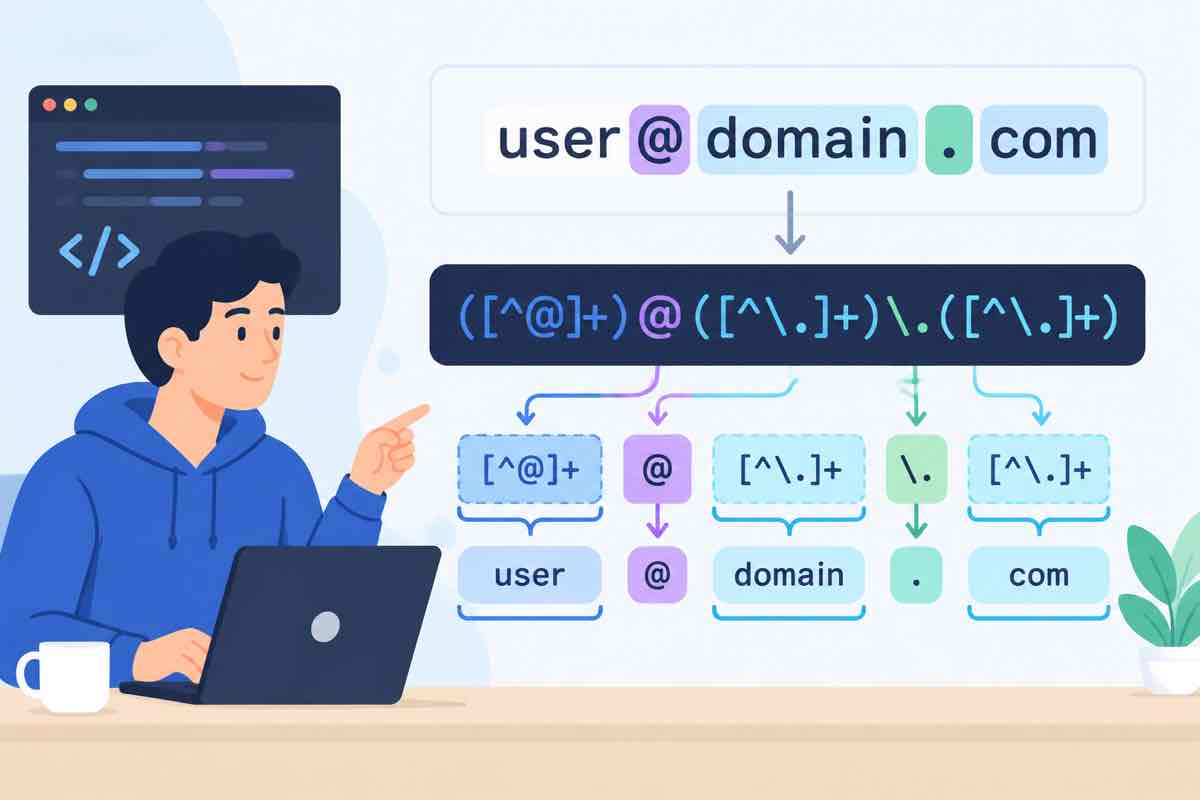
Trying to validate an entire email address with a single regex is a trap. The local part alone has a half-dozen valid forms you'll never keep straight. But the part after the @ — the domain — is small and well defined, and a regex handles it cleanly. Here's the pattern that works and the steps to use it.
Why the one-regex approach fails
Addresses can contain plus tags, quotes, and a long list of allowed characters before the @, while the domain follows strict DNS rules. Lumping both into one expression gives you something unreadable that still rejects valid mail. Validate the domain separately and let the local part stay permissive.
The domain-only pattern
@([a-zA-Z0-9](?:[a-zA-Z0-9-]{0,61}[a-zA-Z0-9])?(?:\.[a-zA-Z0-9](?:[a-zA-Z0-9-]{0,61}[a-zA-Z0-9])?)+)$It reads as: an @, then one or more dot-separated labels. Each label starts and ends with a letter or digit, may contain hyphens in the middle, and stays within the 63-character DNS limit.
Use it, step by step
Step 1. Split at the @
Confirm there's exactly one @ and both sides are non-empty before you even bring out the domain regex.
Step 2. Match the domain against the pattern
import re

DOMAIN_RE = re.compile(
    r'@([a-zA-Z0-9](?:[a-zA-Z0-9-]{0,61}[a-zA-Z0-9])?'
    r'(?:\.[a-zA-Z0-9](?:[a-zA-Z0-9-]{0,61}[a-zA-Z0-9])?)+)$'
)

def domain_ok(email: str) -> bool:
    return bool(DOMAIN_RE.search(email.strip()))
Step 3. Reject the obvious failures separately
- More than one @, or an @ at the very start or end.
- A label that begins or ends with a hyphen, like
-bad.com. - A TLD shorter than two characters or containing digits where it shouldn't.
Pitfalls that keep coming up
- Rejecting plus signs in the domain. Plus tags belong to the local part; don't let a copied pattern block valid addresses.
- Hard-cating a TLD list. It goes stale the moment a new ending launches. Match the shape instead.
- Treating regex as proof of deliverability. It isn't. A well-shaped address can still bounce.
Paste a few addresses into the regex tool and watch the domain light up separately from the local part. That separation is the whole point.
Questions, answered
Why not validate the whole email with one regex?
The local part before the @ has too many valid forms to track. Splitting it off and validating just the domain is a smaller, stable job.
Does this handle new TLDs like .shop or .online?
Yes. The pattern doesn't hard-code a TLD list, so longer and newer endings pass as long as they're valid labels.
Should I still send a confirmation email?
Yes. Regex only checks that an address is shaped correctly; only a confirmation proves the mailbox exists and belongs to the person.
What about international (IDN) domains?
They arrive as punycode starting with xn-- in most systems, which this pattern accepts. Decode them for display rather than validation.
Why is a label limited to 63 characters?
That's the actual DNS limit per label, so the bound reflects the spec rather than an arbitrary choice.
